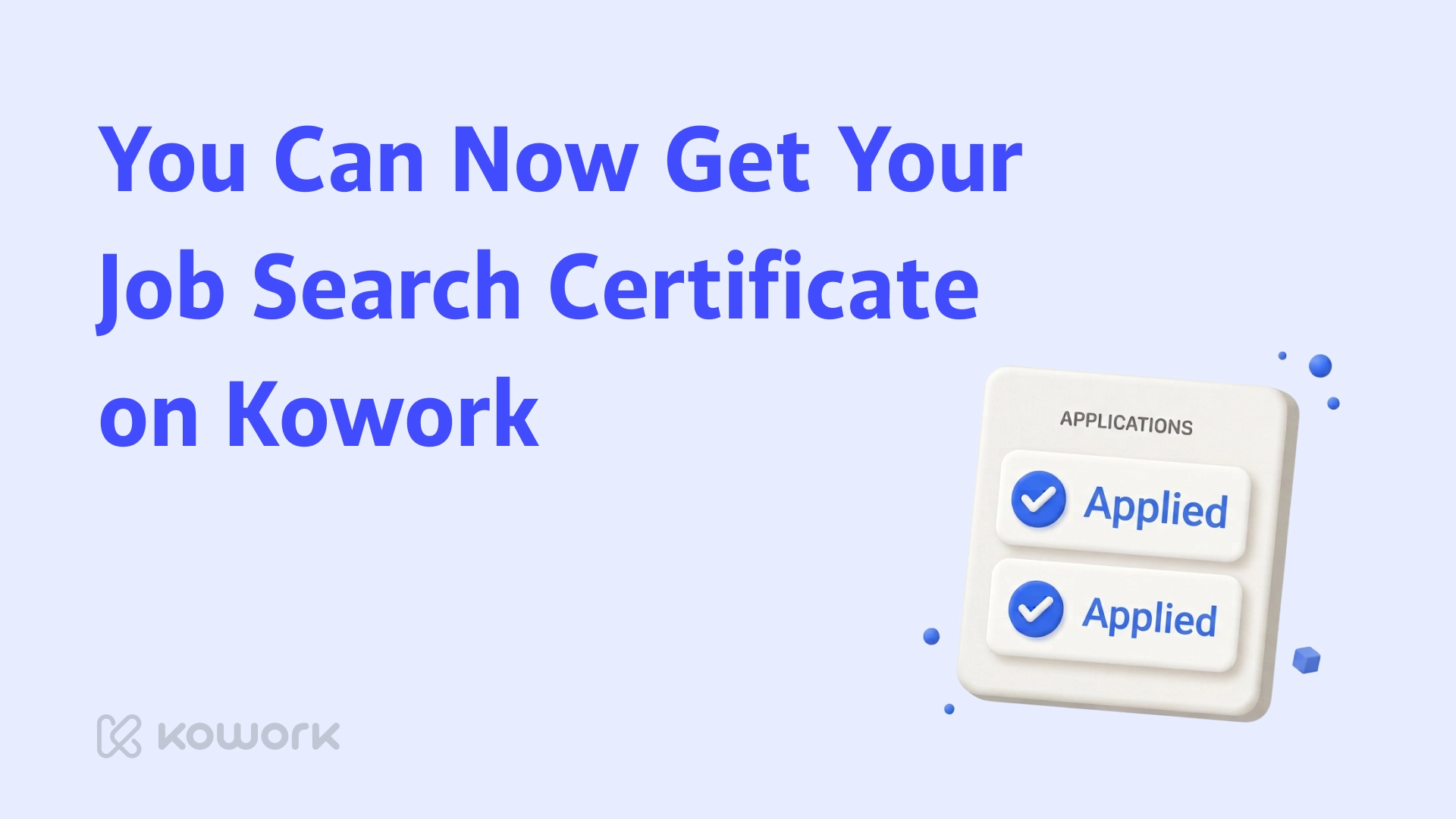
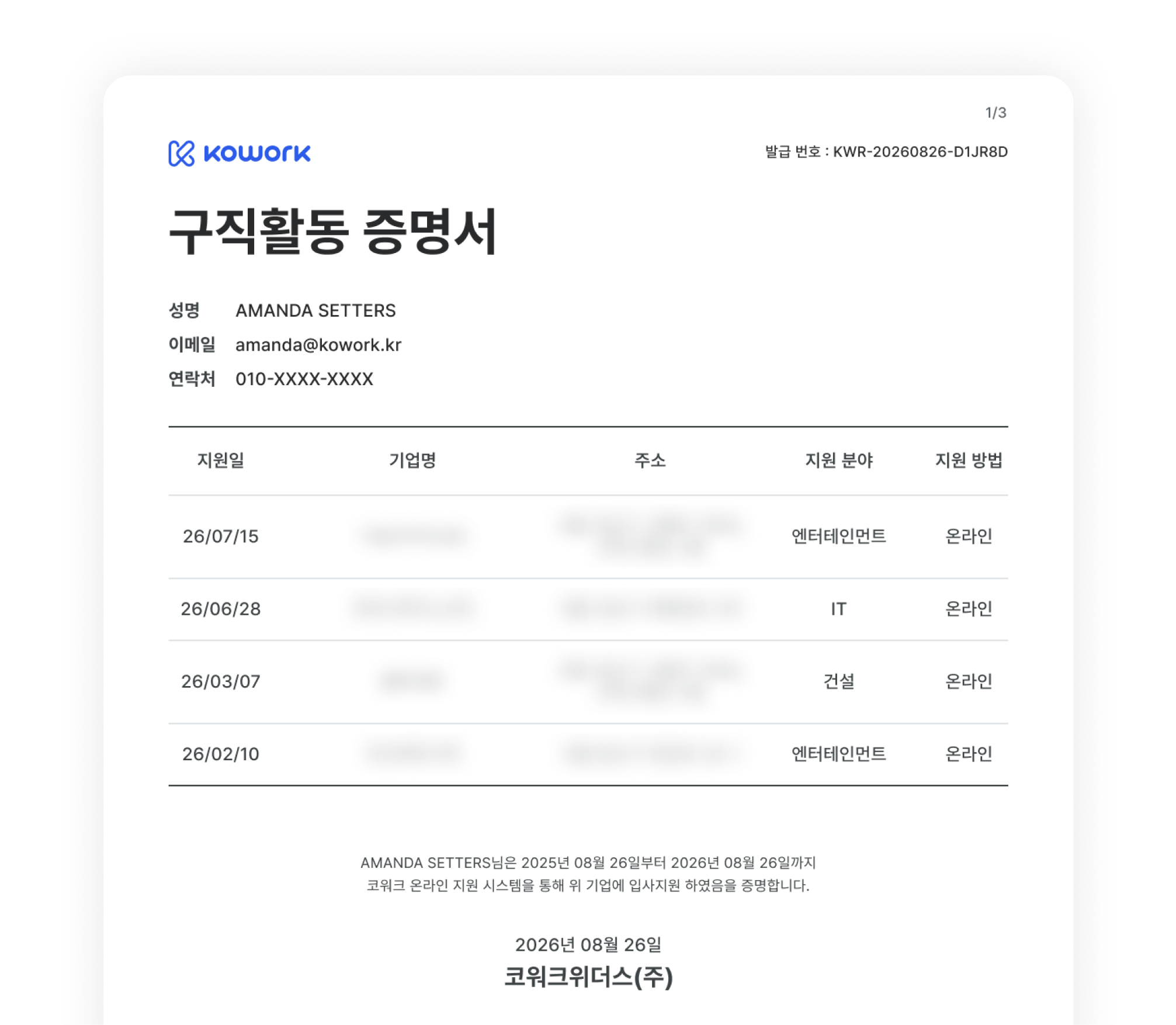
Many of you asked for this, and it's finally here! You can now get a Job Search Certificate on Kowork — a PDF of everything you've applied to on Kowork over the last 12 months, ready to download.
When do you need it?
To extend your D-10 visa, Korea Immigration asks for 구직활동 계획서 along with proof of what you've done so far — job applications, interview confirmations, and so on. Your Kowork Job Search Certificate works as that proof.
How to get it
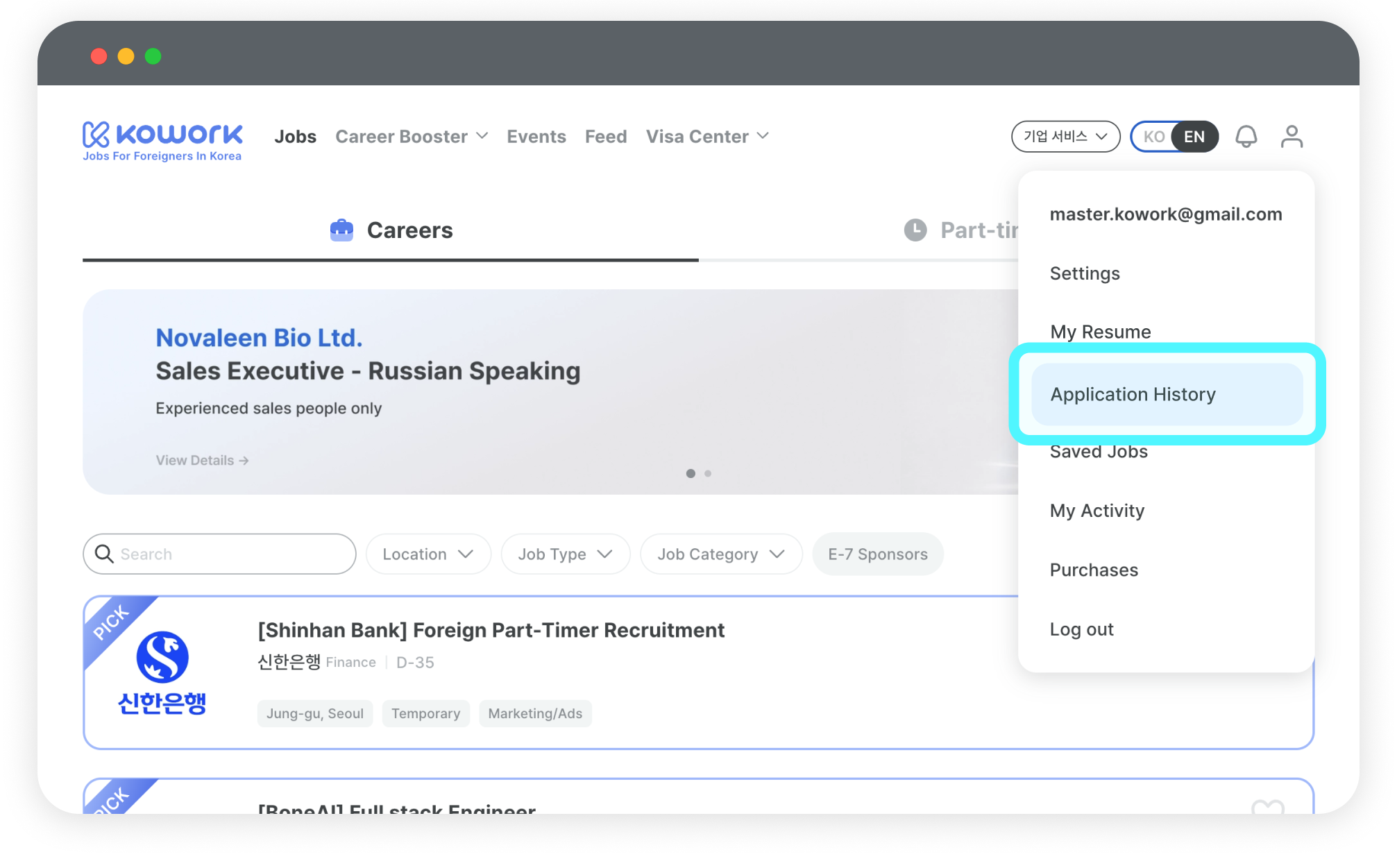
1. Go to My Page › Application History (Applied)
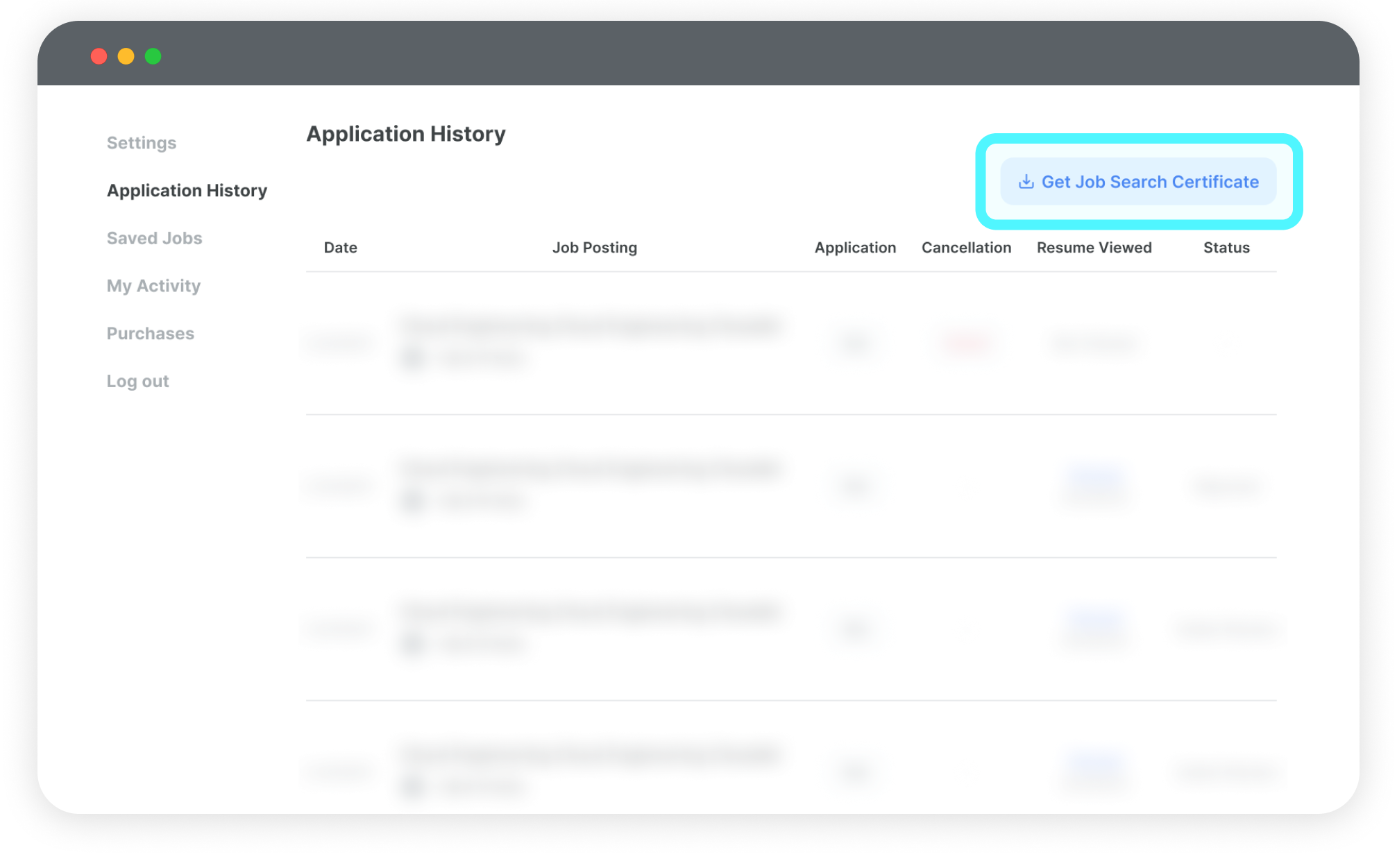
2. Tap 'Get Job Search Certificate' in the top right. That's it!
🚨 Check your name first
If your name doesn't match your passport or Residence Card (ARC), your document may be rejected. A missing middle name, a different order of first and last name, or even one wrong letter can be enough.
Please note
- This certificate shows your job applications on Kowork. It covers the last 12 months.
- Only Kowork Quick Apply applications are included. If you applied by email or on a company website, you'll need separate proof.
- Canceled applications and deleted job postings aren't included.
You can get a new certificate every 30 minutes.
You can get your certificate on both the Kowork website and the app. Use whichever is easier for you.
We're always listening to foreign job seekers in Korea. We'll keep adding the features you need — more is on the way!